VDA Mutation (Naam Transfer) Process 2026: Complete Step-by-Step Guide
PropertyPass Legal Desk
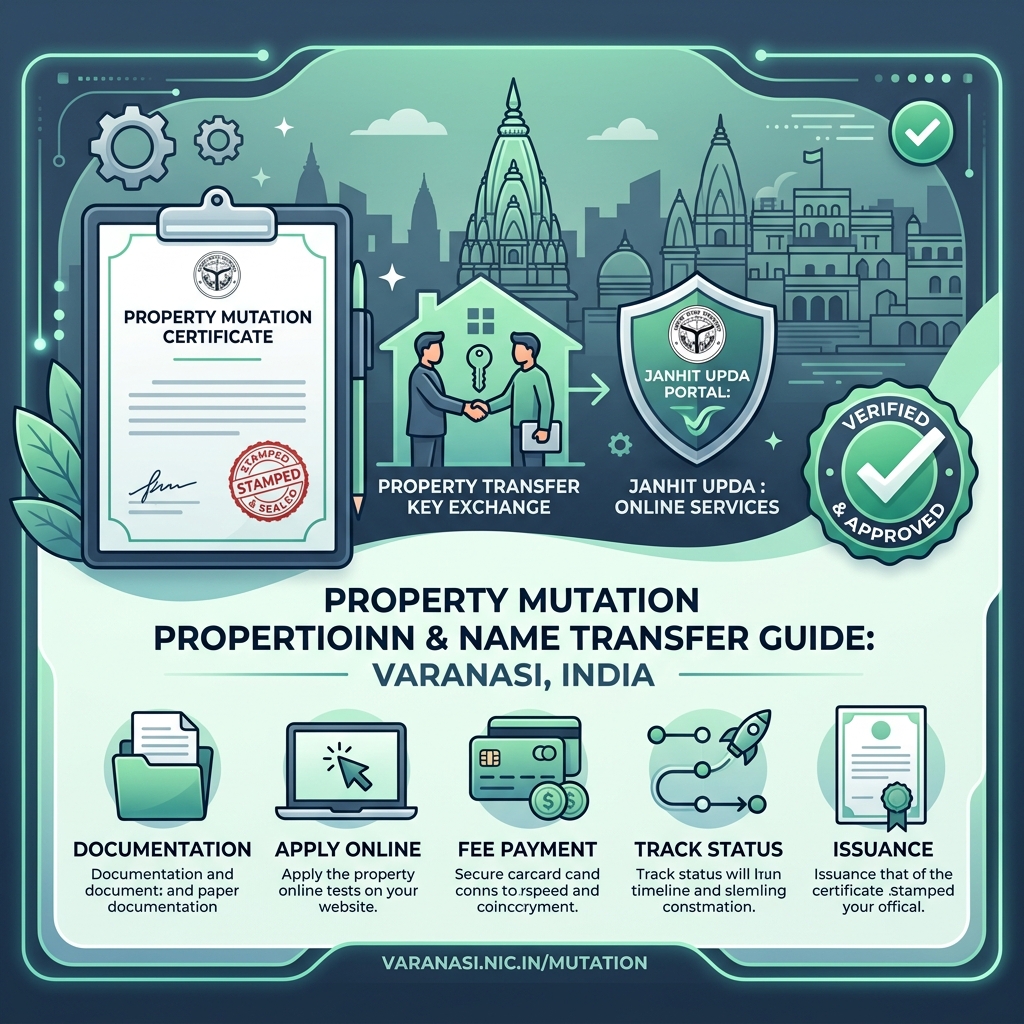
If you've bought a plot, house, or flat from the Varanasi Development Authority (VDA), inherited one, or received one through a gift or will, the single most important step you shouldn't skip is getting the ownership officially updated in your name in VDA's records. This process is called "Mutation" — commonly referred to in Hindi as "naam transfer" or "naam antaran."
Many people assume that once the sale deed is registered, the property is fully theirs. In reality, until mutation is completed in VDA's records, your name isn't officially recognized as the owner by the authority. In this guide, we'll walk through the entire VDA mutation process from start to finish — documents, fees, the online application procedure, status tracking, and common mistakes to avoid.
1. What Is VDA (Varanasi Development Authority)?
The Varanasi Development Authority (VDA) was established on August 19, 1974, and is responsible for the planned development of an area spanning roughly 793 square kilometres, covering Varanasi city as well as Mughalsarai and about 601 surrounding villages. VDA handles plot allotments, housing schemes, freehold conversion, mutation, refunds, and several other property-related services.
If your property falls under any VDA scheme, colony, or layout, any change in ownership (name transfer) for that property must be updated in VDA's own records — this is exactly what mutation does.
2. What Does Property Mutation (Name Transfer) Mean?
In simple terms, mutation = updating the ownership record of a property. When a property is sold, inherited, gifted, or transferred through a will, the development authority updates its records to replace the previous owner's name with the new owner's name.
3. Why Is VDA Mutation Important?
4. Types of VDA Mutation
Under VDA's Online Mutation Management System (OMMS), mutation is generally processed under these categories:
| Type | When It Applies |
|---|---|
| Sale / Purchase | When the property was bought/sold through a registered sale deed |
| Death / Inheritance | When the property needs to be transferred to legal heirs after the original owner's death |
| Will | When the owner transferred the property through a registered will |
| Gift | When the property was transferred to a relative/person via a registered gift deed |
| Power of Attorney | When the transaction was carried out via an authorized Power of Attorney holder |
VDA Mutation Application Ya Document Audit Mein Support Chahiye?
Succession certificates, affidavit drafting, sale deed verification, aur Janhit UPDA portal tracking ke liye hamare local Varanasi legal experts se WhatsApp par connect karein.
5. Documents Required for VDA Mutation
According to the official document checklist on the Janhit UPDA – Online Mutation Management System (OMMS) portal, the following documents are needed:
📄 Mandatory for All Applications:
- ðŸ–¼ï¸ Applicant's photograph (JPG format)
- 🪪 Applicant's ID proof (Aadhaar/PAN/Voter ID in JPG)
- 📠Notarized Affidavit (PDF format)
- 📜 Registered Sale Deed / Document (PDF format)
📂 Category-Specific Additions:
- For Sale/Purchase: Registered sale deed copy & previous allotment/possession letter.
- For Death/Inheritance: Mandatory Death Certificate, mandatory Succession Certificate & Registered Will (if available).
- For Gift: Mandatory Registered Gift Deed.
6. VDA Mutation Fees
As per government order (G.O. No. 1829/8-3-18-187, dated November 6, 2018), the standard online application fee for mutation on the Janhit UPDA portal is ₹50, paid online through net banking, UPI, or cards.
Note: Depending on the property category, type of transfer, or specific scheme rules, VDA may levy additional processing or transfer charges in certain cases. Always check the current fee schedule on the portal before submitting.
7. How to Apply for VDA Mutation Online (Step-by-Step)
Visit the Portal
Go to janhit.upda.in (also linked from vdavns.com under Mutation Services).
Create Account / Log In
Register using your mobile number and email ID, then sign in.
Select OMMS (Mutation Management)
Click the "Mutation Management System (OMMS)" tile and hit Proceed.
Select Varanasi Development Authority (VDA)
From the list of authorities, choose VDA.
Fill Property & Applicant Details
Enter plot/house number, scheme name, previous owner details, new applicant details, and transfer reason (Sale/Death/Gift/Will).
Upload Scanned Documents
Upload required files (photo, ID proof, affidavit, sale deed/succession certificate) in JPG/PDF format.
Pay Application Fee & Save Receipt
Pay the ₹50 fee online, submit the form, and save your application acknowledgment number for tracking.
VDA Verification & Order Issuance
VDA officials verify documents. Upon approval, VDA issues the official Mutation Order/Certificate and updates ownership in property records.
8. How to Check Application Status & Processing Time
Go to "Check Application Status" on janhit.upda.in and enter your application acknowledgment number to track real-time progress.
9. Common Mistakes to Avoid
10. VDA Office Contact Details
Frequently Asked Questions (FAQs)
1. What's the difference between VDA mutation and property registry?
The registry (sale deed) proves that a property transaction was legally executed, while mutation is the process of updating the new owner's name in VDA's own records. Both are separate processes, and both are necessary.
2. Can VDA mutation be applied for offline?
The primary process for VDA mutation is now online through the Janhit UPDA portal. If you face difficulties, you can contact the VDA office for guidance.
3. What is the fee for mutation?
As per the official order, the mutation application fee is ₹50, though it's best to check the latest fee schedule on the portal for any applicable additional charges.
4. What documents are needed to transfer a property after the owner's death?
Primarily the death certificate, succession certificate, and a registered will if available — along with the applicant's photo, ID proof, and affidavit.
5. How do I check my application status after submitting?
Use the "Check Application Status" option on the Janhit UPDA portal and enter your application/acknowledgment number to view the live status at any time.
6. What can I do if my mutation application isn't processed within the stipulated time?
Since this service falls under the Uttar Pradesh Janhit Guarantee Act, you can file an appeal with the designated appellate officer if there's a delay. Check the portal for the notified time limit and appeal process.
7. Can a property be resold without completing mutation?
Legally, a resale can happen based on the registry, but without mutation, ownership isn't clearly reflected in the authority's records, which can create complications later. It's best to complete mutation promptly after every transfer.
Conclusion
After buying, inheriting, or receiving a property as a gift from VDA, completing mutation (name transfer) is a necessary and legally important step. With the right documents in hand, applying online through the Janhit UPDA portal makes this process relatively straightforward.
*Disclaimer: This blog is for general informational purposes. For the most accurate and up-to-date information, always verify details with VDA's official website (vdavns.com), the Janhit UPDA portal (janhit.upda.in), or the VDA office.*
Need Assistance with VDA Mutation or Title Check?
Connect directly with PropertyPass Legal Team in Varanasi for online Janhit portal mutation filing, affidavit drafting, succession document verification, and VDA office liaison.
Fast response within 30 mins • Confidential & Official Audit
Written by PropertyPass Legal Desk
Dedicated to making Varanasi real estate safer through rigorous verification and expert guidance. Our legal team works to ensure you invest in verified plots only.