How to File an RTI with VDA and Register a Complaint (Complete 2026 Guide)
PropertyPass Legal Desk
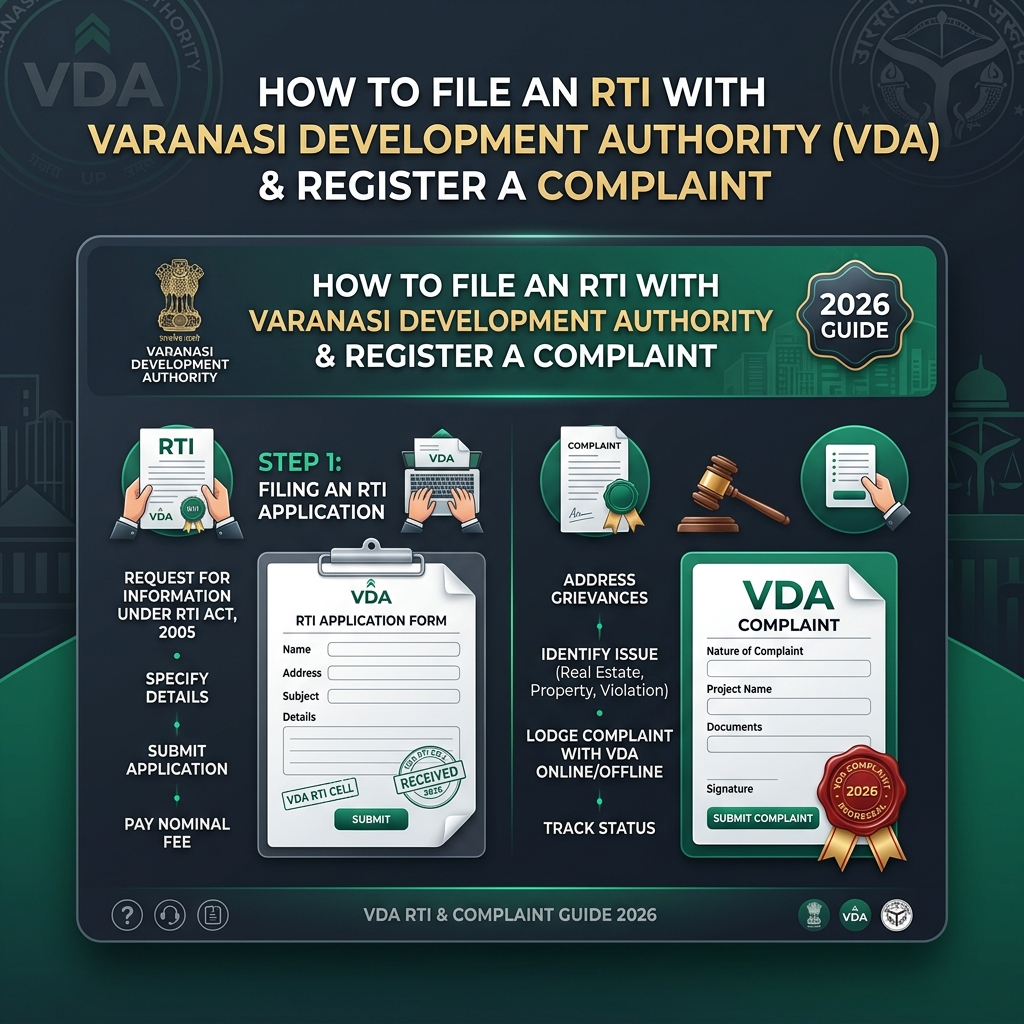
If you've applied for a plot, map approval, house, or any scheme with the Varanasi Development Authority (VDA) and you're not getting clear information, or your work is stuck without reason — RTI (Right to Information) and Complaint registration are your two most effective tools.
Most people treat RTI and a complaint as the same thing, but they serve very different purposes and follow different processes. In this comprehensive guide, we'll cover step by step how VDA functions, how to file an RTI online and offline, fees, response timelines, the appeal process, how to register a complaint on the Jansunwai portal, and key differences between RTI and complaints.
1. What is VDA (Varanasi Development Authority)?
VDA, or the Varanasi Development Authority (Varanasi Vikas Pradhikaran), is a Uttar Pradesh government body responsible for urban development, master planning, map/building approvals, plot allotment, layout approvals, and action against illegal construction in Varanasi city and its surrounding areas (including Ramnagar and the extended Sima Vistar zone).
If your question relates to any VDA scheme, the status of a map approval, land records, tender details, or any official decision, RTI is the right route to take.
📞 Official VDA Contact Details
2. A Quick Overview of the RTI Act, 2005
The Right to Information Act, 2005 gives every Indian citizen the right to request information from any government department or authority. Key rules to remember:
3. How to File an RTI with VDA (Step-by-Step)
Because VDA operates under the Uttar Pradesh state government, its RTI applications are filed either through the Uttar Pradesh state RTI portal or by post — not through the central rtionline.gov.in portal.
Method 1: Filing RTI Online (The Easiest Way)
Open the portal: Go to the official Uttar Pradesh RTI Online Portal — rtionline.up.gov.in.
Click "Submit Application": Read the guidelines and instructions carefully before proceeding.
Select the Public Authority: Search for and select "Varanasi Development Authority" from the list. If it doesn't appear directly, select the relevant Directorate/Commissioner-level authority and choose Varanasi district.
Fill in your details: Enter your full name, address, mobile number, and email correctly — this is where your reply and tracking updates will be sent.
Write your RTI query: Keep your question clear, specific, and to the point. Stick to one topic per application to make it easier for the department to respond.
Upload supporting documents: Things like your plot number, application number, or receipt copy help the Public Information Officer (PIO) locate records faster.
Pay the fee: Pay ₹10 online via Net Banking, Debit/Credit Card, or UPI (fee is waived for BPL applicants with valid proof).
Submit and save your receipt: Save your Registration/Acknowledgement Number carefully for status tracking.
Track status: Use the "View Status" section on the portal anytime using your registration number.
Method 2: Filing RTI Offline (By Post)
If you'd rather not use the online portal, you can send your application by Speed Post:
- On a plain sheet of paper, write at the top — "Application under the Right to Information Act, 2005"
- Type or neatly handwrite the application in Hindi or English.
- Clearly mention your full name, address, mobile number, and email.
- List the exact information you need, numbered clearly (1, 2, 3...).
- Attach application fee of ₹10 via Indian Postal Order (IPO), DD, or Money Order payable to "Public Information Officer, Varanasi Development Authority."
- Add a declaration that you are an Indian citizen, along with date and signature.
- Keep a photocopy of the application for your records.
- Send it by Speed Post with Acknowledgement Due to:
Varanasi Development Authority, Raja Udai Pratap Marg, Panna Lal Park, Varanasi – 221002
VDA RTI Application Drafting Ya Status Check Mein Help Chahiye?
RTI draft format, Public Information Officer address query, layout map verification, aur Jansunwai grievance tracking ke liye hamare Varanasi legal experts se WhatsApp par connect karein.
4. What Should an RTI Application Include?
- ✅ Header title: "Application under the Right to Information Act, 2005"
- ✅ Full name, complete address, mobile number, and email ID
- ✅ Clear, numbered queries (e.g. "What is the current status of map approval application no. ____?")
- ✅ Mention of specific documents or certified copies required
- ✅ Proof of fee payment (₹10 IPO/online receipt/BPL certificate)
- ✅ Indian citizenship declaration, date, and signature
5. RTI Fee Structure
Here is the applicable fee schedule for RTI applications in Uttar Pradesh:
| Item | Fee |
|---|---|
| Application fee | ₹10 |
| Photocopy of information (A4/A3 size) | ₹2 per page |
| Larger documents/maps | Actual cost |
| CD / soft copy | ₹50 per CD |
| Inspection of records | ₹10 for 1st hour, ₹5 for every 15 minutes after |
| BPL category applicants | Fully exempt (valid certificate required) |
6. How Long Does It Take to Get a Reply? & Appeals Process
â±ï¸ Standard Cases
Reply must be provided within 30 days.
âš¡ Life & Liberty
Reply must come within 48 hours.
🔄 Wrong Department
PIO must transfer it to correct authority within 5 days.
First Appeal (If No Reply or Unsatisfied)
If 30 days pass without a reply, or you receive an incomplete response, file a First Appeal:
- File within 30 days of receiving response (or after the 30-day deadline expires).
- Address to VDA's Appellate Authority.
- Attach copy of original RTI application and registration acknowledgement.
- The Appellate Authority must respond within 45 days.
Second Appeal (State Information Commission)
If First Appeal doesn't resolve the issue, file a Second Appeal with the Uttar Pradesh State Information Commission. This is the final administrative level before approaching the courts.
7. How to Register a Complaint with VDA
While RTI requests existing information/records, a complaint is for getting a problem resolved — such as delays in map approval, illegal construction, officer negligence, or plot allotment issues. Three primary methods:
1. Jansunwai (IGRS) Portal — Most Reliable
- Go to jansunwai.up.nic.in
- Click "Register Grievance".
- Log in using mobile number & OTP.
- Select "Varanasi Development Authority" from department list.
- Write complaint description & upload supporting documents/photos.
- Obtain unique Complaint Reference Number.
- Track status online or via helpline.
2. VDA PMS Portal (Property Management System)
For complaints regarding VDA property, EMI payments, allotments, or map approvals, VDA's own PMS portal generates a dedicated ticket ID for progress tracking.
3. Direct Office Visit / Helpline
- Control Room: 7518102822
- Helpline: 0542-2283305
- In-Person: Submit written complaint at VDA office & get receiving copy stamped and dated.
8. RTI vs. Complaint: What's the Difference?
| Aspect | RTI | Complaint |
|---|---|---|
| Purpose | Requesting information/records | Requesting resolution of a problem |
| Legal basis | RTI Act, 2005 | Administrative / Grievance Redressal System |
| Fee | ₹10 (standard) | Free |
| Response time | 30 days (mandated by law) | No fixed deadline, but monitored |
| Appeal provision | Yes (First & Second Appeal) | Departmental follow-up/escalation |
| When to use | "I need information/documents" | "My work is stuck / something went wrong" |
9. Common Mistakes to Avoid
Frequently Asked Questions (FAQs)
1. Can I file an RTI for VDA on the central rtionline.gov.in portal?
No. Since VDA falls under the Uttar Pradesh state government, RTI applications must be filed through rtionline.up.gov.in. Applications submitted on the central portal are returned without a fee refund.
2. Is there a penalty if I don't get a reply on time?
If the PIO delays without valid reason or provides incorrect information deliberately, the Information Commission can impose a penalty of up to ₹250 per day (capped at ₹25,000) — decided during the appeal process.
3. Can someone from another state file an RTI with VDA?
Yes, any Indian citizen, from any state, can file an RTI with VDA — you don't need to be a resident of Varanasi.
4. Is there a fee for registering a complaint?
No, registering a complaint through the Jansunwai portal or VDA's helpline is completely free.
5. How do I check the status of my complaint?
You can check status on the Jansunwai portal using your complaint number, or by calling the VDA helpline (0542-2283305).
Conclusion
If any VDA-related work — map approval, plot allotment, or layout verification — seems stuck, don't worry. Using RTI for getting information and a complaint for resolving issues is a powerful combination to safeguard your property investment.
*Note: This article is meant for general guidance. Always check official portals (rtionline.up.gov.in, jansunwai.up.nic.in, vdavns.com) for the latest rules.*
Need Assistance with VDA RTI or Property Verification?
Connect directly with PropertyPass Legal Team in Varanasi for online RTI drafting, Jansunwai complaint filing, VDA layout map check, and plot document verification.
Fast response within 30 mins • Confidential & Official Audit
Written by PropertyPass Legal Desk
Dedicated to making Varanasi real estate safer through rigorous verification and expert guidance. Our legal team works to ensure you invest in verified plots only.